
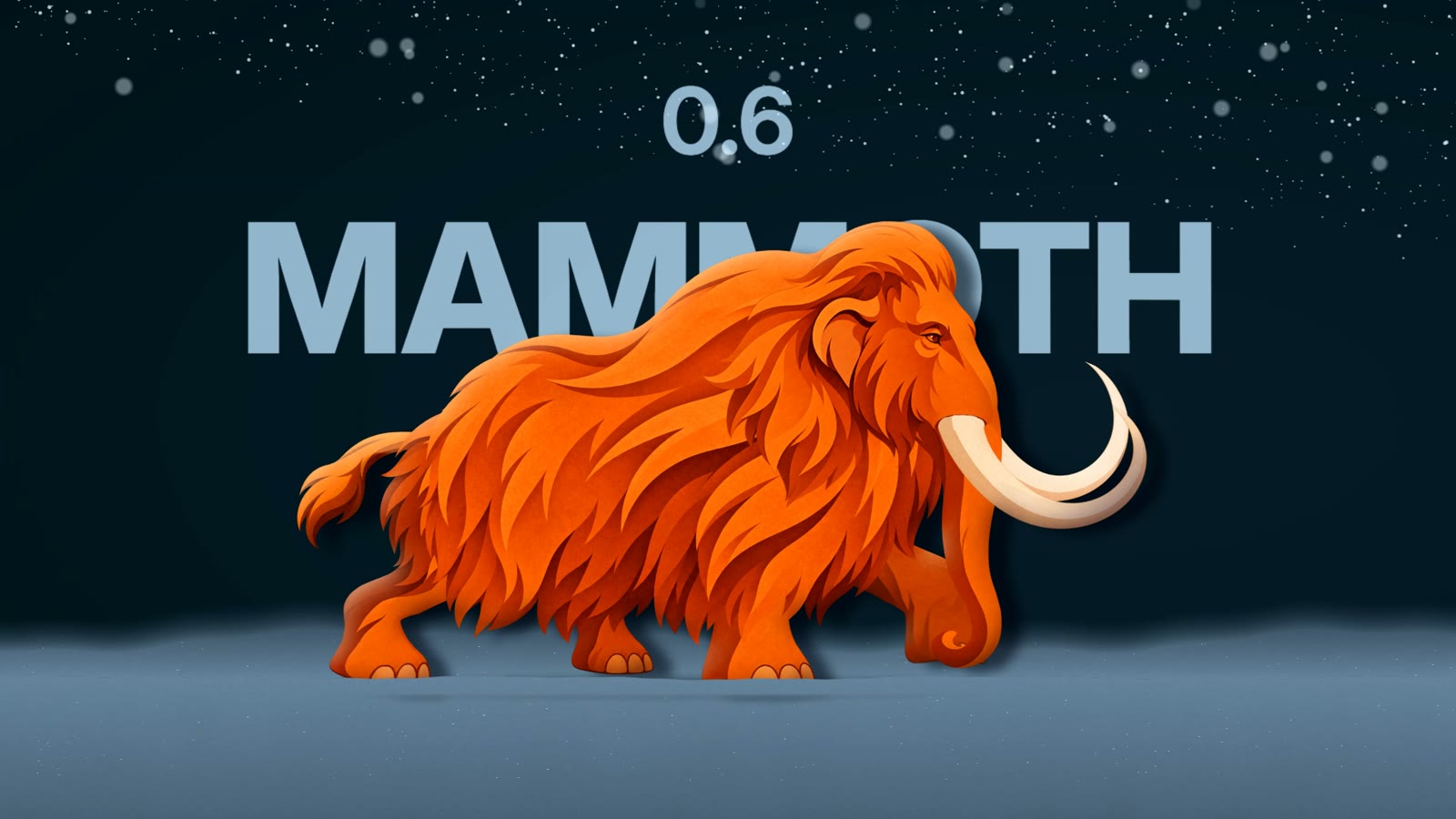
Some releases are a few fixes. This one we kept on ice.
0.6 Mammoth is what we have been building toward from the start: an editor that feels like one tool, a layout that bends to how you work, and rigging and film tools that go further than you'd expect from a free 2D animator. Here it is.
Download 0.6, let the editor update itself, or open it in your browser.
#One interface
Every surface now shares the same colours, spacing, type, buttons and dialogs. The icons are one real icon set, and no emoji are left. The tree and inspector were rebuilt and the wording shortened. An automated check opens every view and dialog at three window sizes, in English and Chinese, and fails on anything clipped, overflowing or unreachable by keyboard.
Pick a theme: Rigby Dark, Mammoth (the 0.6 look) or Rigby Light, or make your own and share it as a file.
#Your layout
Drag any panel by its tab to dock it anywhere, or into another panel's tabs. Save layouts and switch between them with a shortcut, in the desktop app and the browser. The new Rig panel holds skins, constraints, meshes and events, so the tree stays calm.
#Film effects
For short films and cutscenes: drop shadows, light shading with a rim light, glow, blur, colour grades, particles (snow, dust, sparks, rain), motion blur and depth of field. They show live in the viewport and render on the GPU, and your game exports never see them.
#Turn a head with one drag
Select a head's parts, press Make turnable, and a control bone turns and tilts it in depth. If an angle looks off, shape that side by hand with a lattice. Warp deformers bring nested lattices to any mesh. All of it plays in every runtime as ordinary deform keys.
#Rigging that keeps up
- Test a pose while painting weights, and let the bone wiggle while you paint.
- Move a joint after the rig is built without moving the art (Bone only).
- Transform constraints that never jump, offsets set by moving the bone, bones picked by clicking.
- Point bones, better mesh generation, Find in the tree, drag to reparent, tween lines.
#Fits your pipeline
- Aseprite: open
.asepritefiles directly. Tags become animations, ready to rig on top. rigbyon the command line: convert, validate, export, AutoRig and render from scripts and CI.- Ren'Py: our ninth runtime, with lip-sync from voice lines, for visual novels.
#And the mammoth
The star of the release is in the app too: File ▸ Open demo ▸ Mammoth opens the full film rig, with its walk, its trumpet call and the film effects, so you can take it apart and see how it works.
#Thank you
0.6 was shaped by Geokima, Skadii and MysterHen, and by everyone who posted on Discord and GitHub. The full list of changes is in the release notes.
Rigby2D is free and open source (MIT or Apache-2.0): no licence to ship your game, no revenue cap. Come say hi on Discord.